How to use FuturRupt
FuturRupt follows the companies and technologies reshaping the next decade across 39 frontiers. Finance sites tell you the share price; FuturRupt tells you whether the technology is actually progressing. Every story is sourced and linked back to where it came from.
Tell FuturRupt what you follow once, and it keeps showing you just that.
- ›On Stories, tap the frontiers, companies or types of news you care about. Pick as many as you like. Hover a frontier to see what it covers.
- ›Your choice is remembered straight away. It stays when you move to another page, reload, or come back tomorrow.
- ›The same filter also applies to Today, so your morning briefing only shows what you follow.
- ›A bar at the top of Stories and Today always shows what is filtered. Remove one item with its ×, or press "Show everything" to remove the filter completely.
- ›Save up to five named views (for example "Quantum funding") to switch between them in one tap.
// Nothing is hidden without you seeing it, and nothing changes unless you change it.
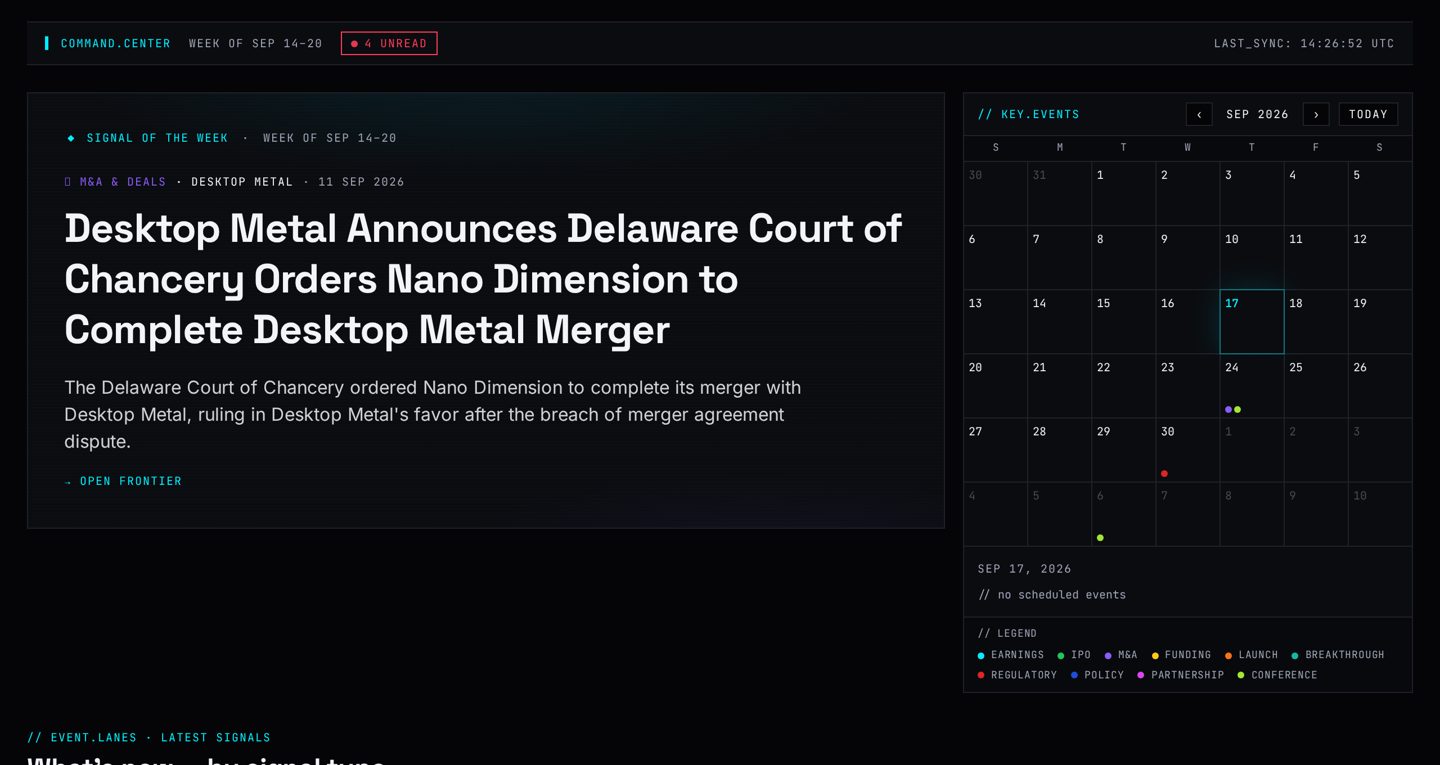
Your daily briefing: what actually happened recently, on one screen.
- ›See what came in during the last 48 hours, grouped by type of news: funding, deals, partnerships, product launches, approvals and more.
- ›Tap a tile to open its stories; tap a story to read it with its original source.
- ›Read the standout story of the week, picked by score, not by opinion.
- ›Look ahead in the calendar of dated events: earnings, launches, decisions and deadlines.
- ›If you set a filter on Stories, Today follows it. The bar at the top says so, with a "Show everything" button.
// The one screen to open each morning. Five minutes and you are up to date.
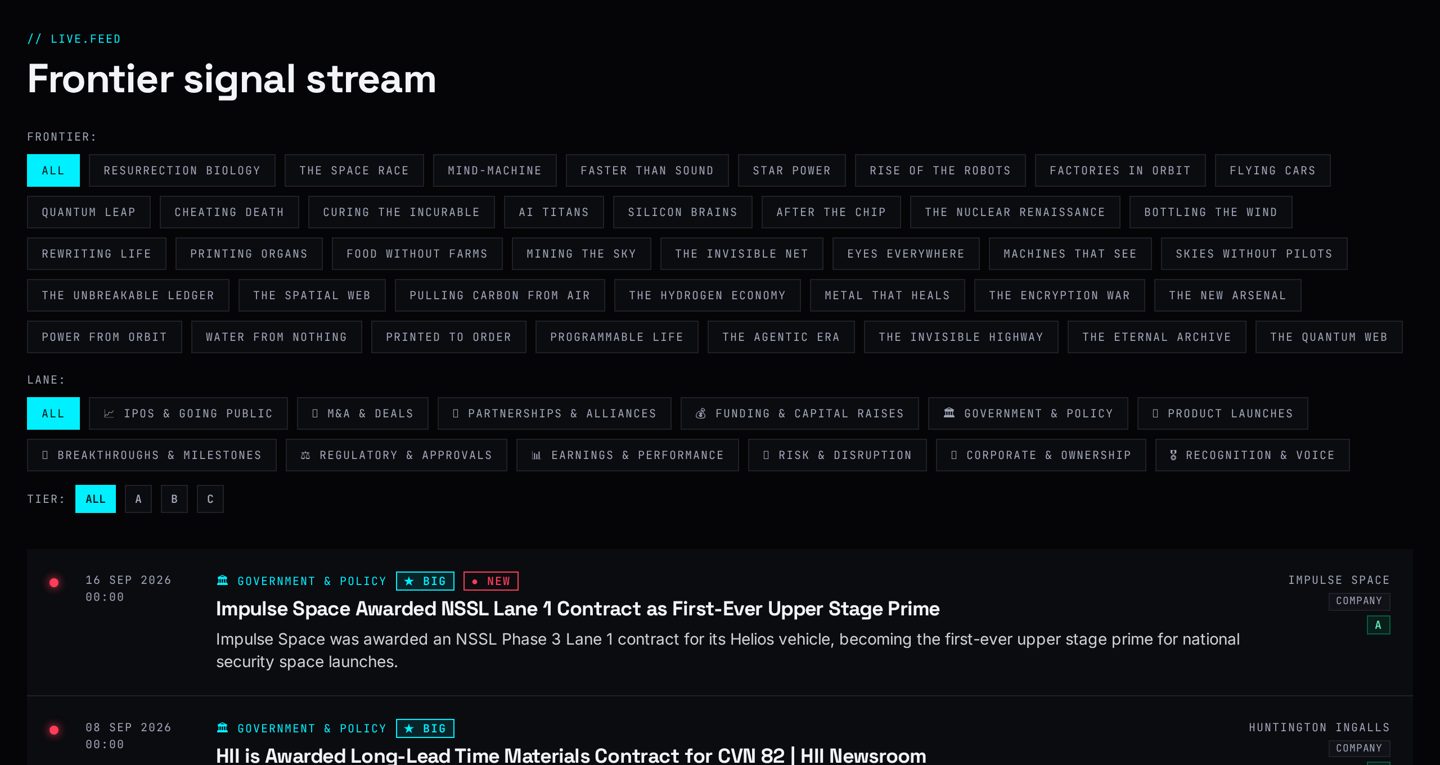
Every sourced story we hold, newest first, with filters to narrow it down. It has two tabs: All stories and By frontier.
- ›All stories: filter by frontier, company (type a name), type of news, source quality, strength of story and time window.
- ›Switch the order between newest first and most significant first.
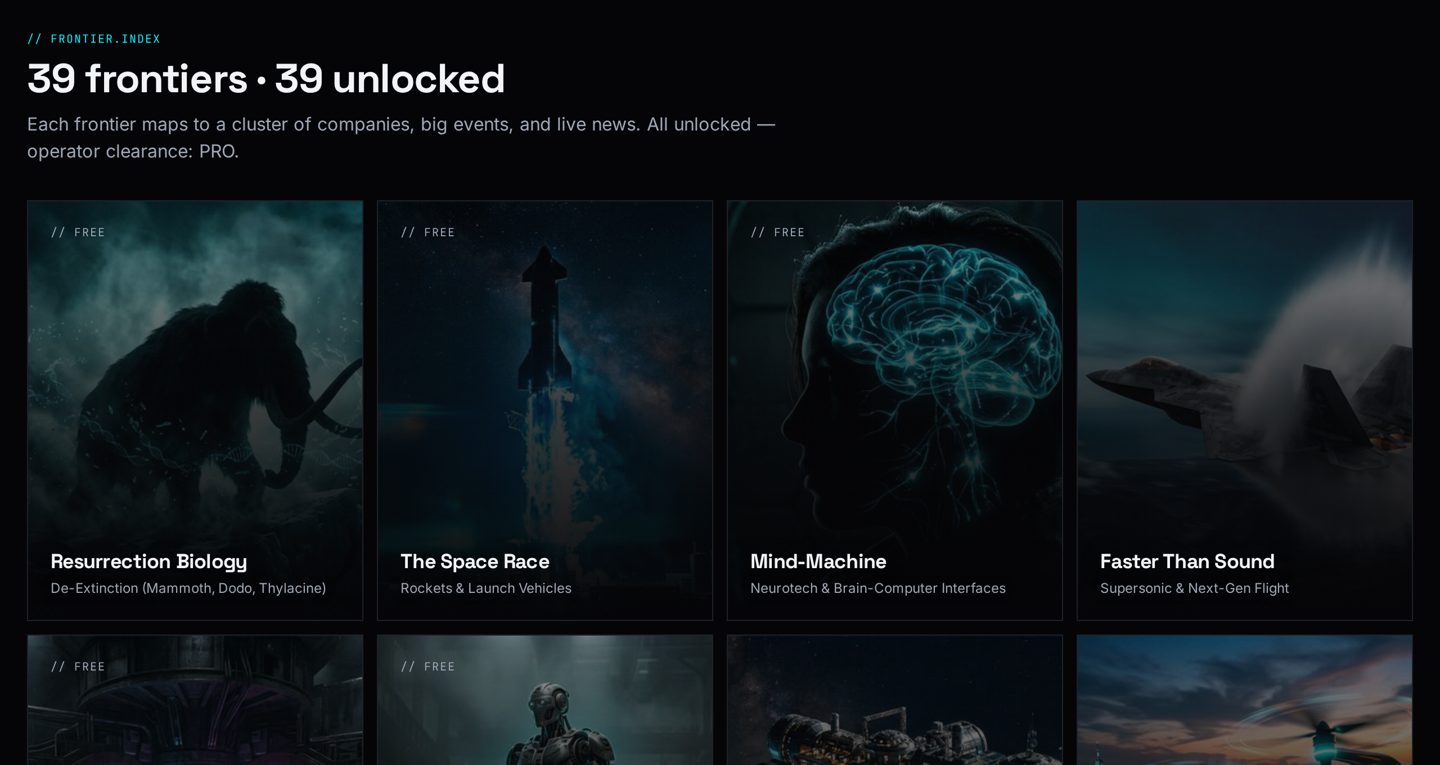
- ›By frontier: browse the technology areas, from fusion power to brain-machine interfaces, and open one to see its companies and its own stories.
- ›Open any story for the summary and a link straight to the publisher. We never rewrite or invent the news.
- ›Tick "Hide stories I've read" to see only what is new to you.
// Where you go when you want the detail, or to follow one question properly.
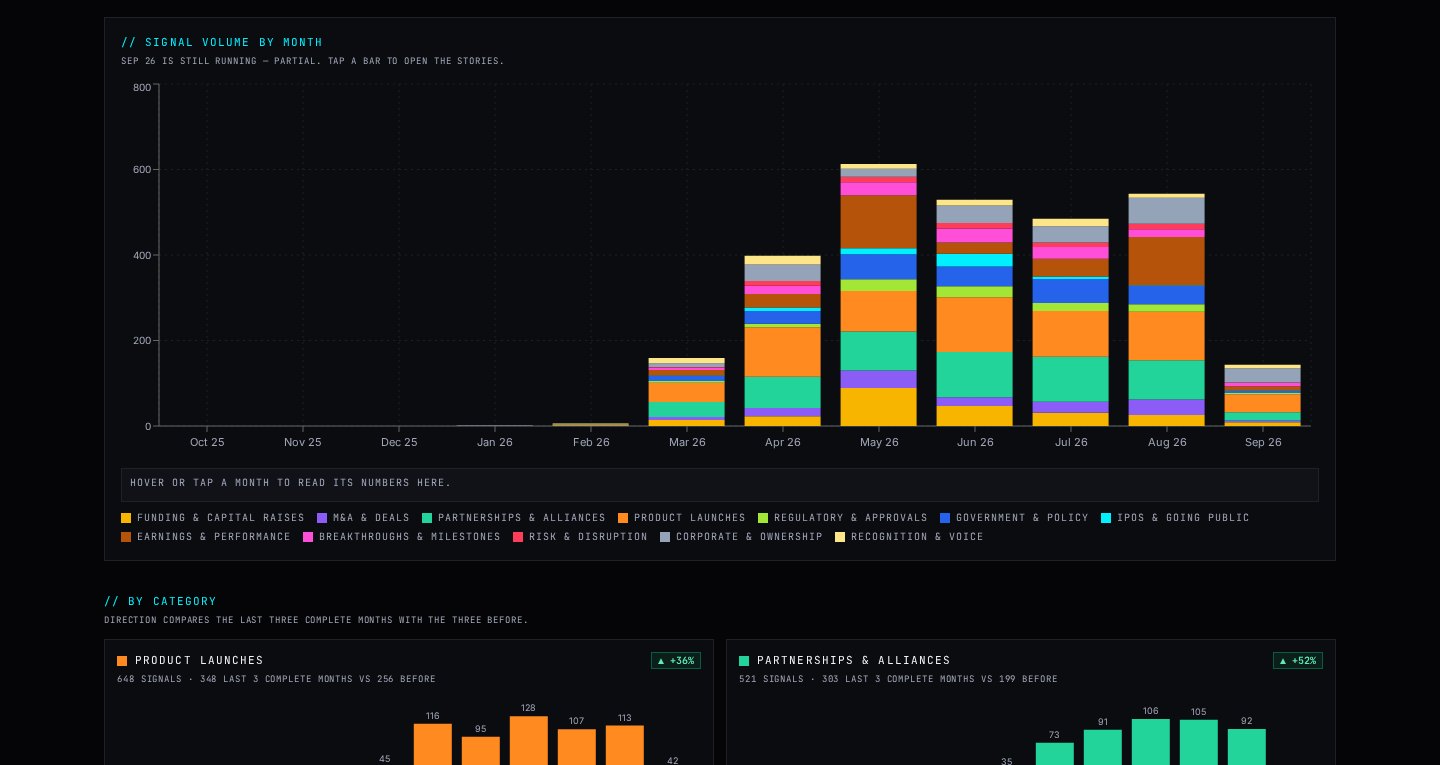
The news counted over time, in two tabs: Trends and Innovations. These are comparison views, so they always show all frontiers rather than your filter.
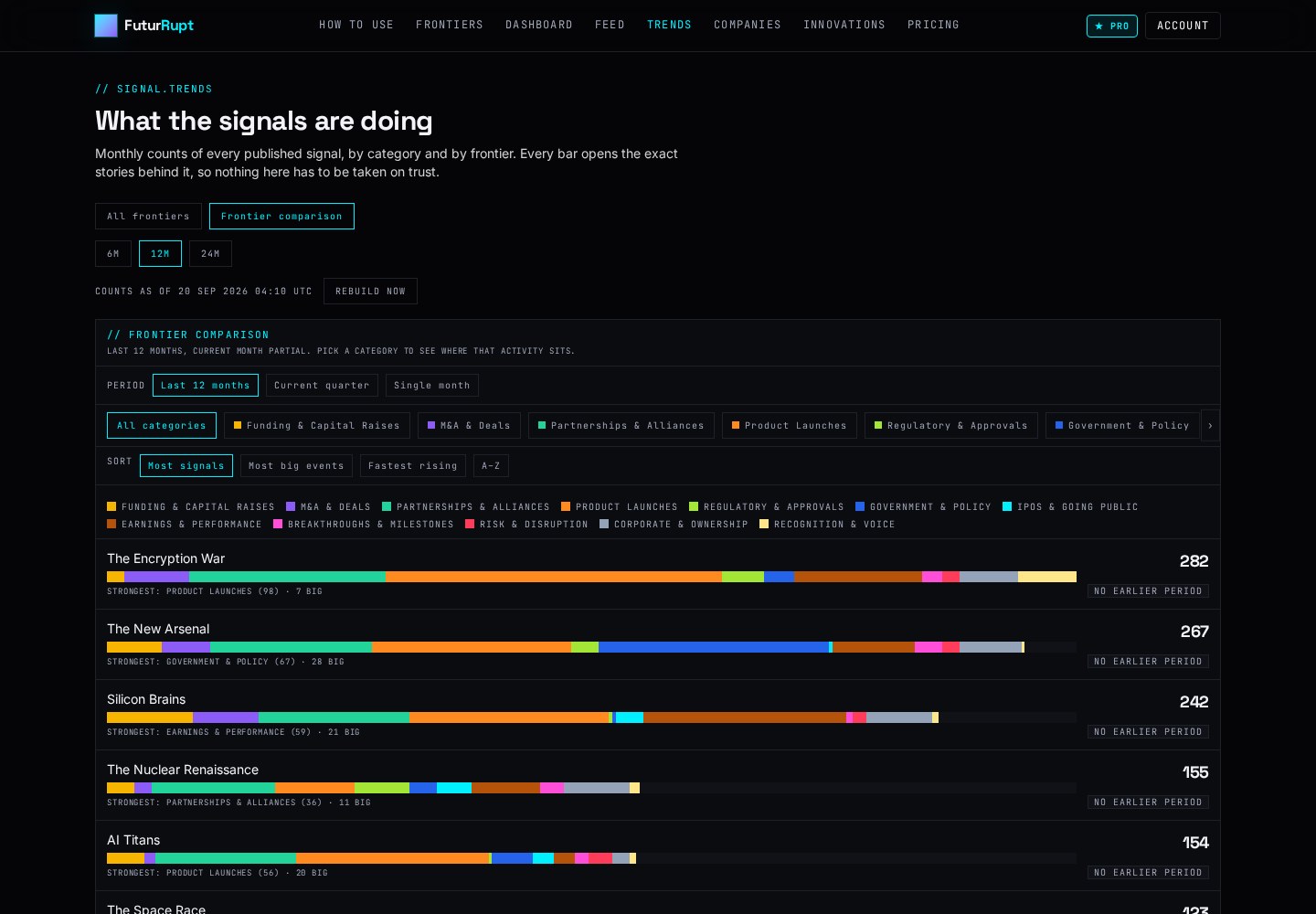
- ›Trends: choose 6, 12 or 24 months, or just this quarter or month. Each month is one bar, split into colours by type of news.
- ›Click any colour and the actual stories behind that number open underneath, with their sources.
- ›Frontier comparison (inside Trends): every frontier side by side, ranked by how much happened. Sort it, or pick one type of news, such as funding, to see where the money is going.
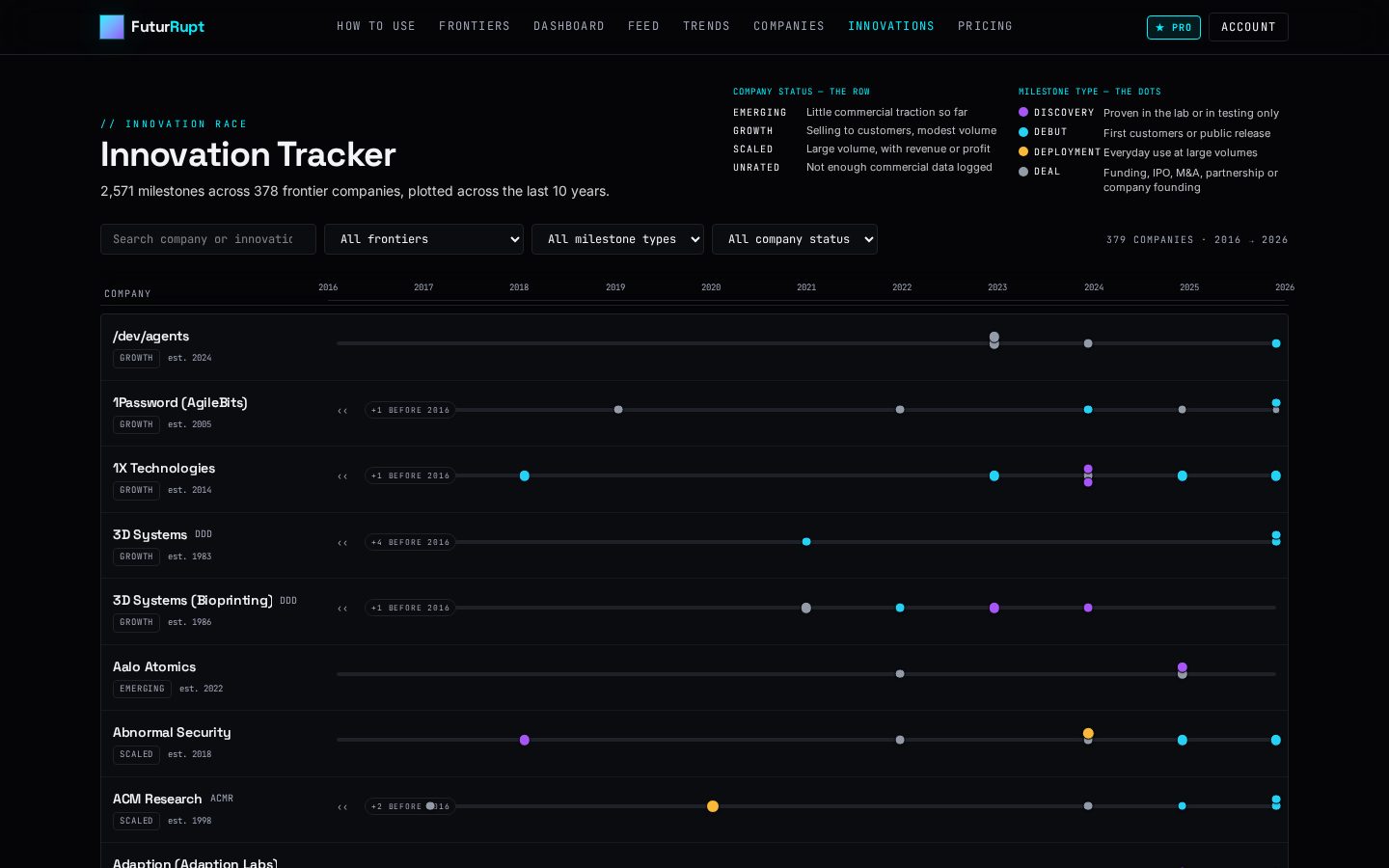
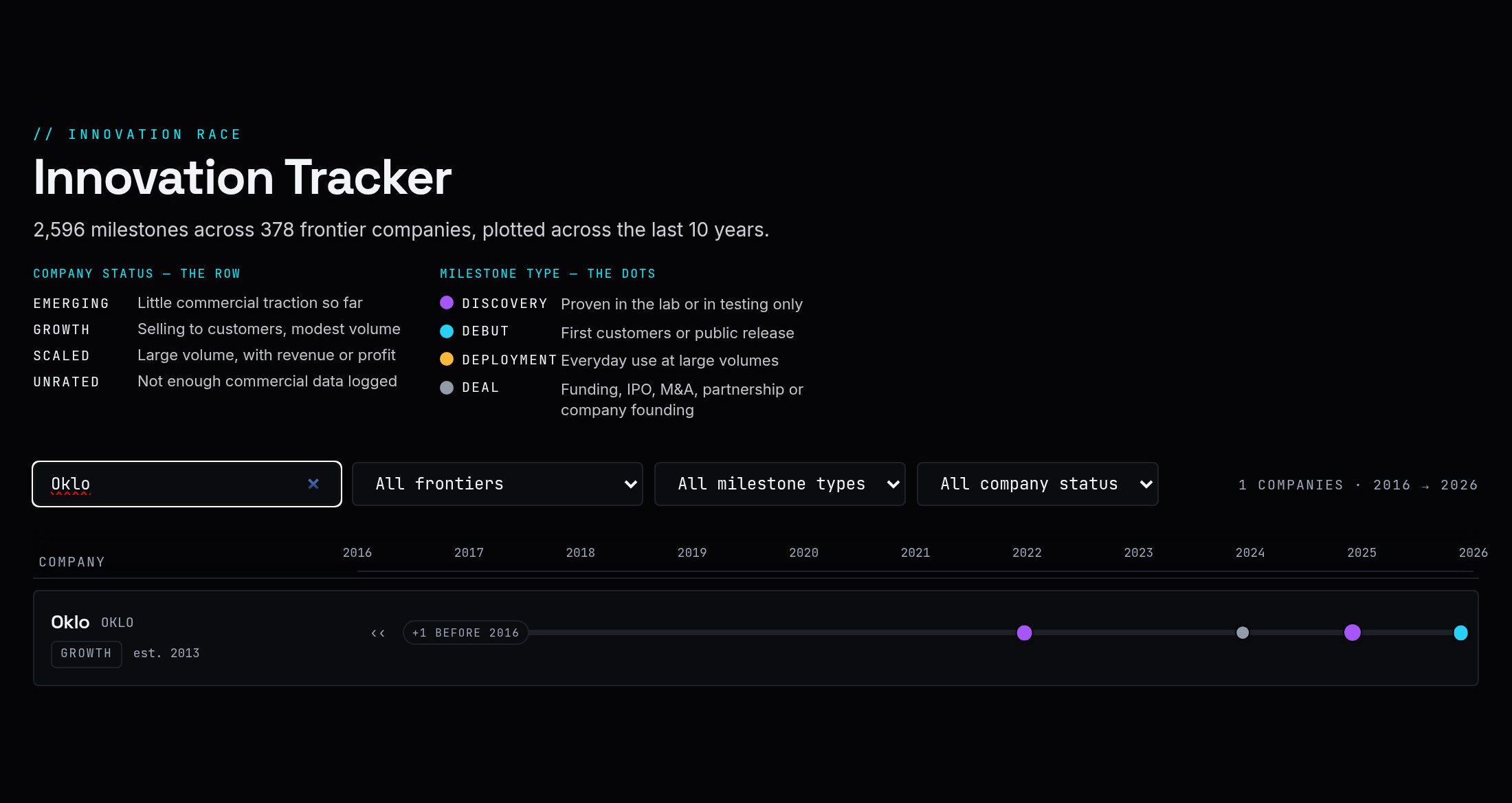
- ›Innovations: one row per company across ten years. Each dot is a milestone; its colour shows how far it got: announced, demonstrated, piloted or shipped.
- ›Click a dot to open that milestone in full: what was claimed, when, what it means, and its sources.
// Answers "is this getting hotter or cooler?" and "did they ship, or only demo?", with the evidence one click away.
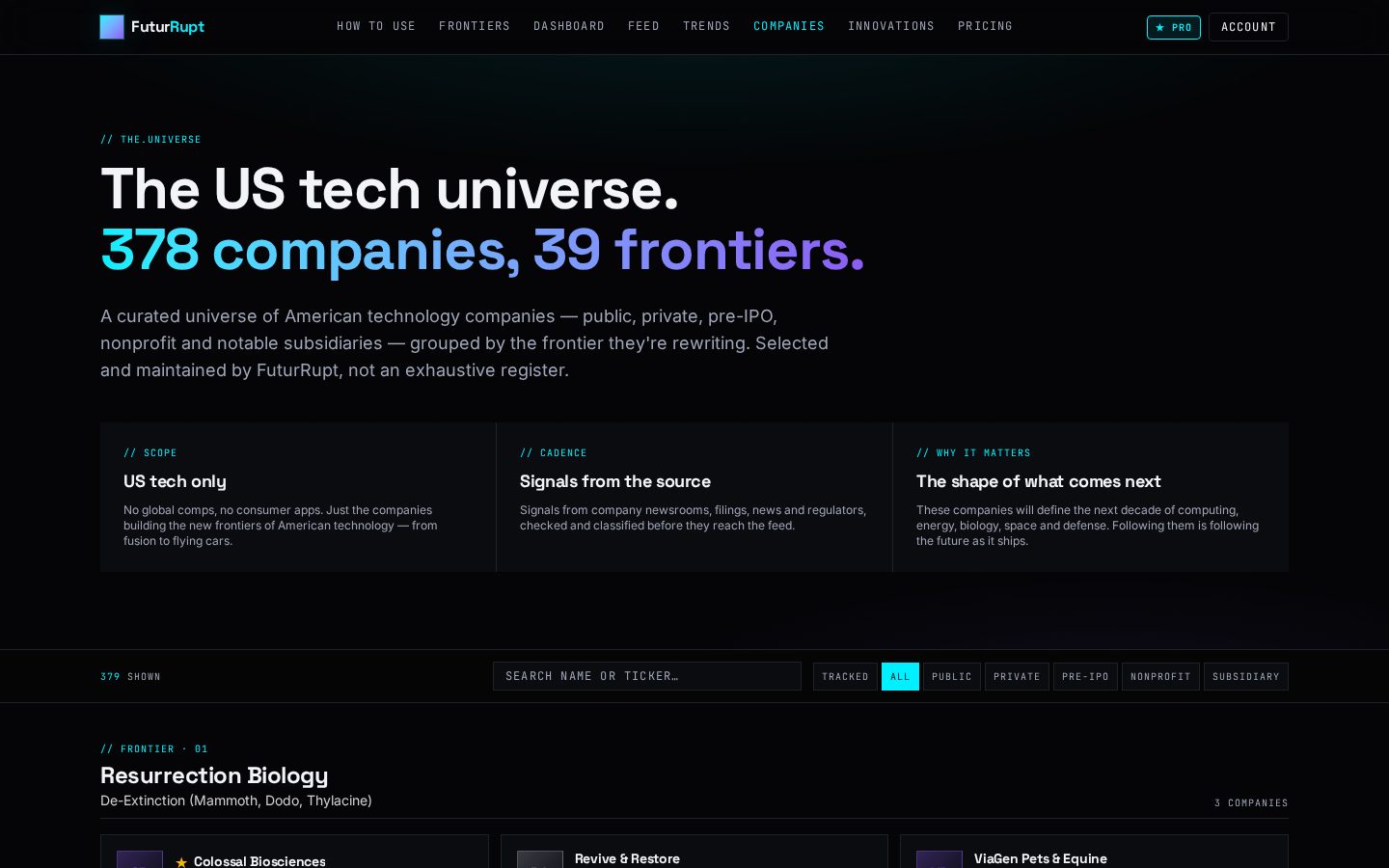
All 378 tracked companies, listed and private, grouped by frontier.
- ›Browse by frontier, or show more frontiers with one button.
- ›Each card shows the full company description.
- ›Click a card to open Stories filtered to that company.
- ›Use the Website link to visit the company's own site, or Profile for its details.
// Follow one company without wading through everything else.
The plans and exactly what each one includes.
- ›See which parts are open to everyone, and which need Pro (Analysis, the Innovation Tracker and every frontier).
- ›Pay as an individual, or as a business with your company name and VAT number.
- ›See your invoices, or change or cancel your plan, from your Account at any time.
// Check what the free plan includes and what Pro adds.
FuturRupt is developed and managed by X-Barriers — www.x-barriers.com
Editorial only, never investment advice.